![OCI — API Calls and Troubleshooting [Part 5]](/images/blog/oci-unified-authentication-with-azure-identities-part-1/featured.png)
Troubleshooting
Azure provisions GIDs to Groups and UIDs to Users, but both the GID and UID need to be present on the User object for Linux PAM to work. The POSIX extension on a user object looks like this:
"urn:ietf:params:scim:schemas:oracle:idcs:extension:posix:User": {
    "gidNumber": 60016,
    "uidNumber": 21782
}
GID Auto-Append Caveats
A few things worth knowing about how OCI handles the GID on user objects:
- The GID gets auto-appended from the first group alphabetically that the user belongs to
- It's only applied on first detection of the user during the initial sync
- If you need to change the GID later, you have to delete the user from OCI and re-sync — there's no way to update it in place
API Calls
For troubleshooting and inspecting the provisioned data, I use Postman (specifically the portable version from portapps.io).
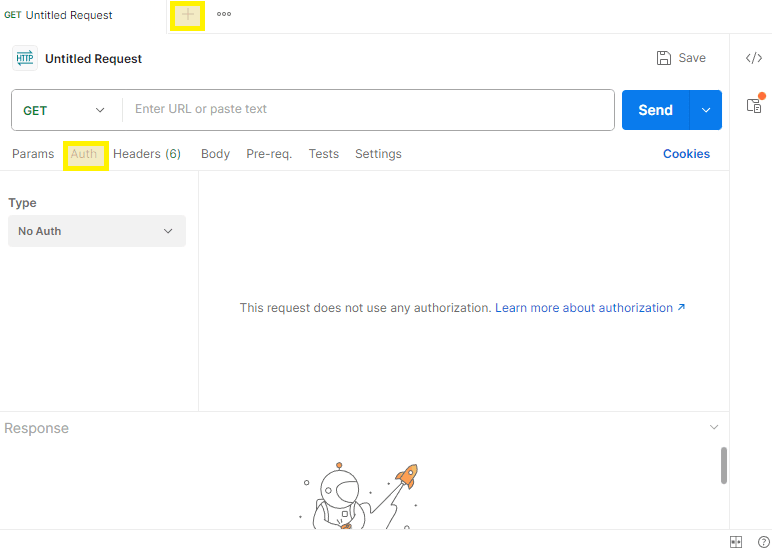
Authentication Setup
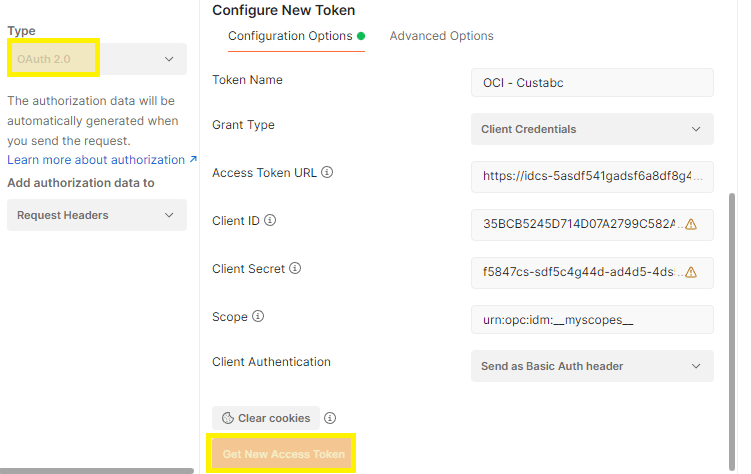
Open the Auth tab in Postman and select OAuth 2.0 with the following:
Access Token URL:    https://idcs-<ID>.identity.oraclecloud.com/oauth2/v1/token/
Client ID:           Client ID from the OCI Confidential Application (created in Part 2)
Client Secret:       Client Secret from the OCI Confidential Application
Scope:               urn:opc:idm:__myscopes__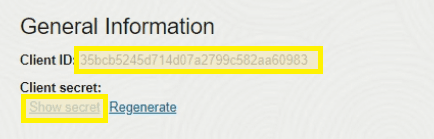
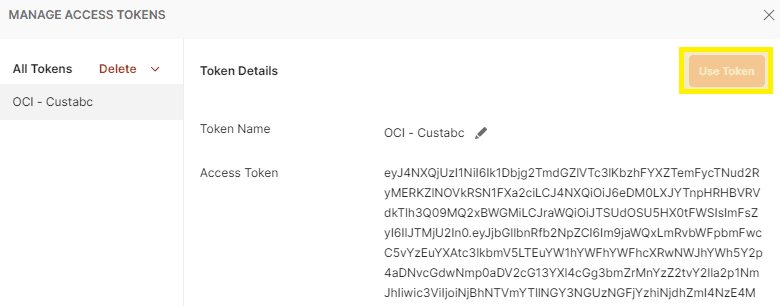
Hit Get New Access Token, then Use Token.
GET Requests
These URLs pull all users and groups from your OCI Identity Domain:
USERS:  https://idcs-<ID>.identity.oraclecloud.com/admin/v1/Users?attributeSets=all&count=1000
GROUPS: https://idcs-<ID>.identity.oraclecloud.com/admin/v1/Groups?attributeSets=all&count=1000